
In the digital age, accessibility is not just a feature; it’s a fundamental right. Similar to a road project that must have curb cuts to provide access for people with wheelchairs, walkers, strollers, etc., our responsibility as content creators extends beyond sending out or posting information in the same ways we have for decades. Our job is to ensure that everyone, regardless of ability, can access and benefit from our content. In this guide, we’ll delve into some promising practices for creating and publishing content that is accessible to individuals with disabilities.
Understanding Web Accessibility
Web accessibility refers to the inclusive practice of ensuring that people with disabilities can perceive, understand, navigate, and interact with the web. This encompasses a diverse range of disabilities, including visual, auditory, motor, and cognitive impairments. Let’s explore how to make your content universally accessible.
1. Designing Inclusive Layouts
Responsive Design: Ensure your website is responsive, allowing content to adapt seamlessly to different devices and screen sizes.
Clear and Consistent Navigation: Maintain a clear, consistent navigation structure, making it easy for users to find and understand your content.
2. Crafting Accessible Text Content
Plain Language: Use clear and concise language. Avoid jargon and complex sentence structures.

Descriptive Headings: Structure content with descriptive headings (H1, H2, H3, etc.) for easy navigation.
Readable Fonts: Choose readable fonts with a minimum size of 16px for body text.
3. Creating Alternative Text for Images
Alt Text: Include descriptive alternative text for images, ensuring users with visual impairments understand the content.
Decorative Images: If an image is purely decorative, use empty alt attributes (alt=””) to indicate its decorative nature.
A decorative image is an image that does not convey important information necessary for users to understand a page’s content. An image can be decorative if its only function is to enhance the appearance of a page.
4. Ensuring Multimedia Accessibility
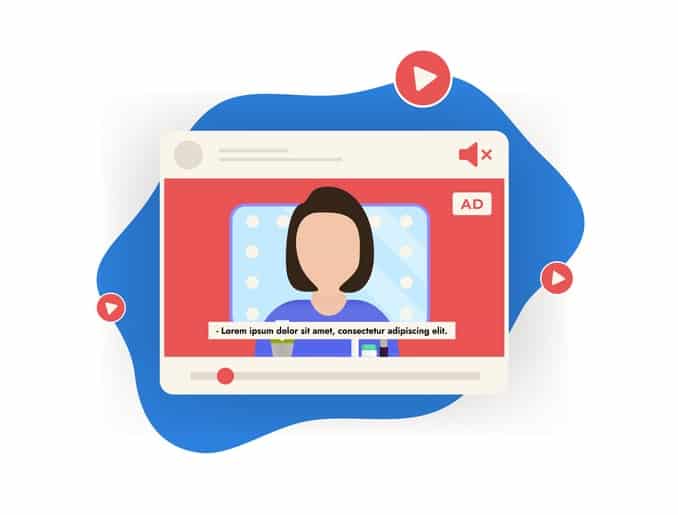
Captioning and Transcripts: Provide captions for videos and transcripts for audio content to accommodate users with hearing impairments.
Accessible Video Players: Choose video players that support keyboard controls and are screen reader compatible.
5. Color and Contrast Considerations
Sufficient Contrast: Ensure there is enough contrast between text and background colors for readability. Having text, a color similar to the background or as light as the background can make it harder for your users to read or see.
Color Coding: Avoid conveying information solely through color. Use labels or patterns in addition to colors.
6. Keyboard Accessibility
Navigable with a Keyboard: Ensure that all interactive elements can be accessed and activated using a keyboard alone.
Skip Navigation Links: Include a “skip to content” link for users who navigate with screen readers.
7. Forms and Interactive Elements
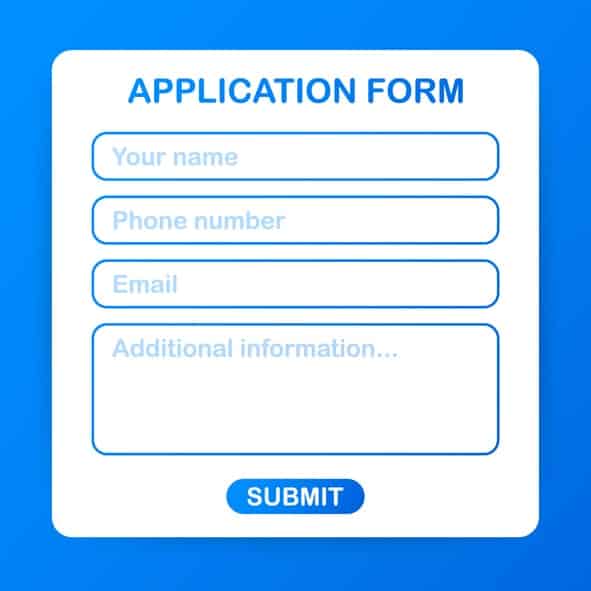
Descriptive Form Labels: Provide descriptive labels for form fields to guide users in completing them.
Error Messages: Clearly communicate any errors in forms and provide suggestions for correction.
8. Testing and Validation
Accessibility Audits: Regularly conduct accessibility audits using tools like WAVE or Axe to identify and rectify issues.
User Testing: Include individuals with disabilities in your user testing process to gather real-world insights.
9. Document Accessibility
Accessible PDFs: If providing downloadable documents, ensure they are accessible, with proper headings and alt text.
TextBased Alternatives: Where possible, provide text versions of content for users who may struggle with specific formats.
10. Continuous Learning and Improvement
Stay Informed: Web accessibility guidelines evolve. Stay informed about the latest standards, such as WCAG (Web Content Accessibility Guidelines).
Feedback Mechanism: Encourage users to provide feedback on accessibility and be responsive to their suggestions.
Conclusion: A Web for Everyone
Creating accessible content is not just a legal requirement; it’s a commitment to inclusivity. By following these promising practices, you contribute to building an online environment that is more welcoming and functional for everyone. Remember, accessibility is not a one-time effort but an ongoing journey toward a digital space that truly serves all individuals, regardless of their abilities.
Leave a Reply